Case Study
Julie Miller Art
A gallery site for a Scottish Borders painter. The part that matters is behind the password: she runs it herself.
01
The brief
Julie paints mixed media abstracts on board and paper. She had a two-page site that could show a little of the work and nothing else: no way to add a painting, no way to mark one sold, and no reason for anyone to come back.
Most artist websites are built once and then frozen, because changing anything means going back to whoever built it. Paintings that sold months ago sit there marked available, the newest work never appears, and the artist quietly stops trusting their own site.
So the fix was not a better page. It was making the site something she can change herself, on her phone, in the time it takes to photograph a finished painting.
- Role: Designer and developer — design, build, admin tooling, SEO
- Deliverables: Gallery website, studio admin, journal, exhibitions, enquiry form
02
The studio admin
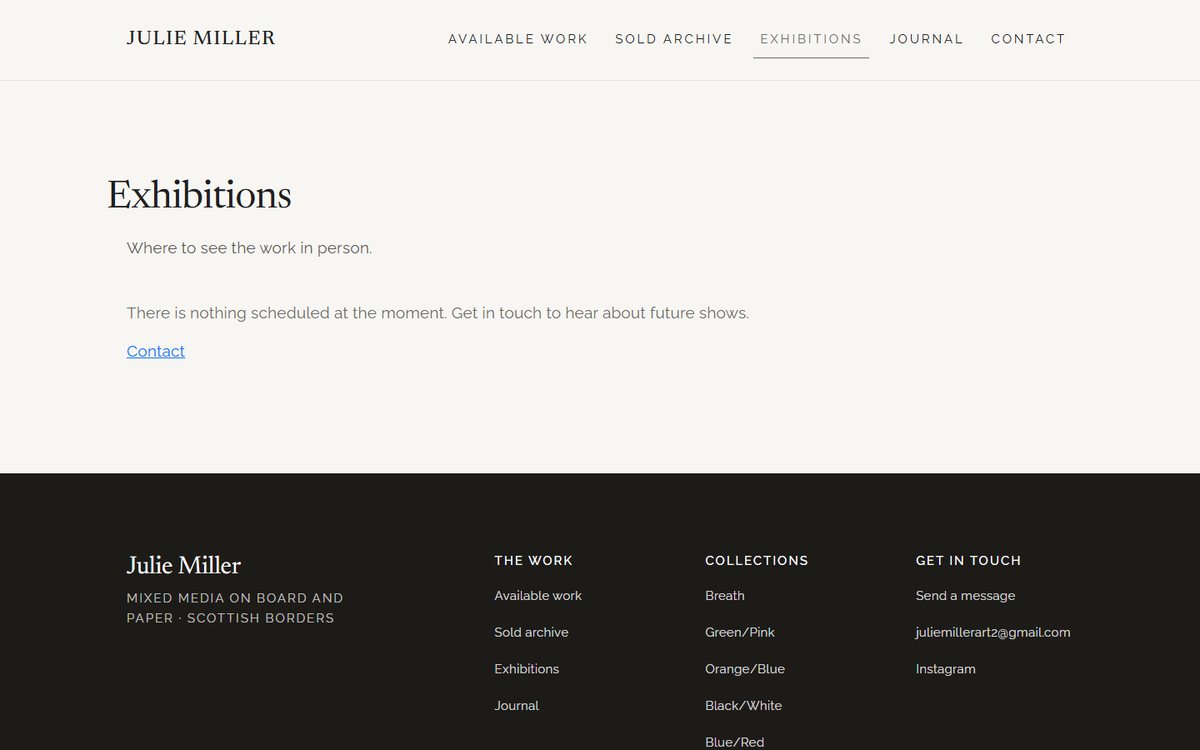
A password-protected area of her own site. She can add a painting and photograph it, edit any of the details, mark one sold, reorder how the work hangs on the page, write a journal post, add an exhibition and change her own password. There is no third-party CMS behind it and no monthly fee: four small serverless functions and her site's own build.
Every button says what it does in her language rather than a developer's. No dashboard, no settings tree, nothing to learn.
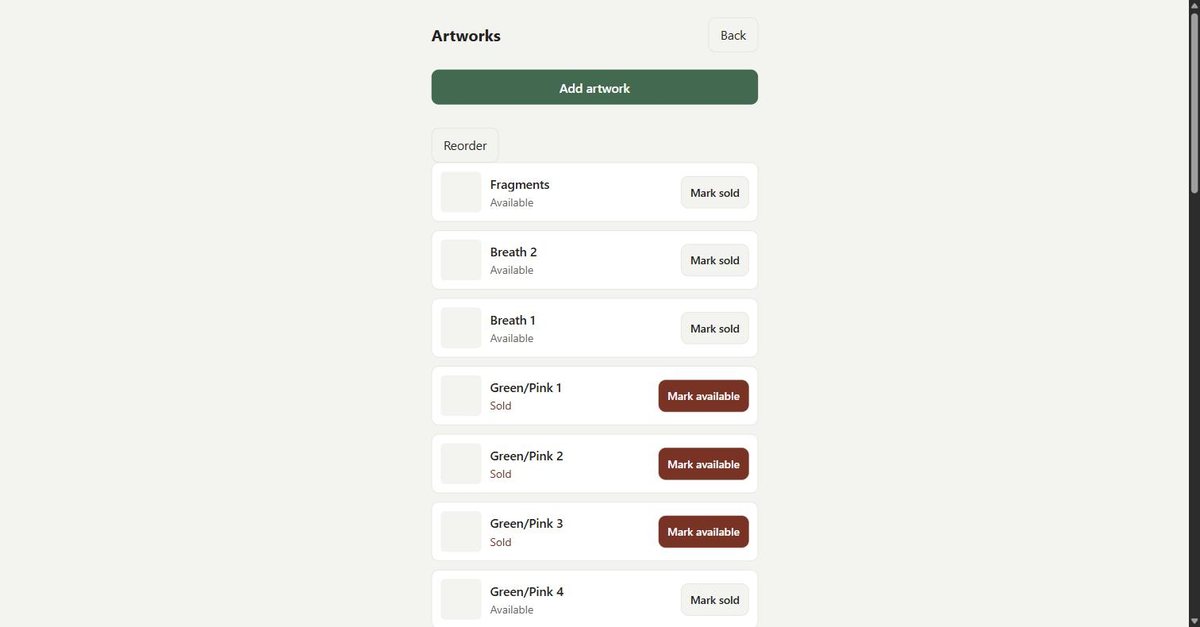
- Sold in one tap. The painting moves itself to the sold archive, which is the update an artist needs most and usually finds hardest.
- Reorder lets her hang the wall in her own order, and that order is what visitors see.
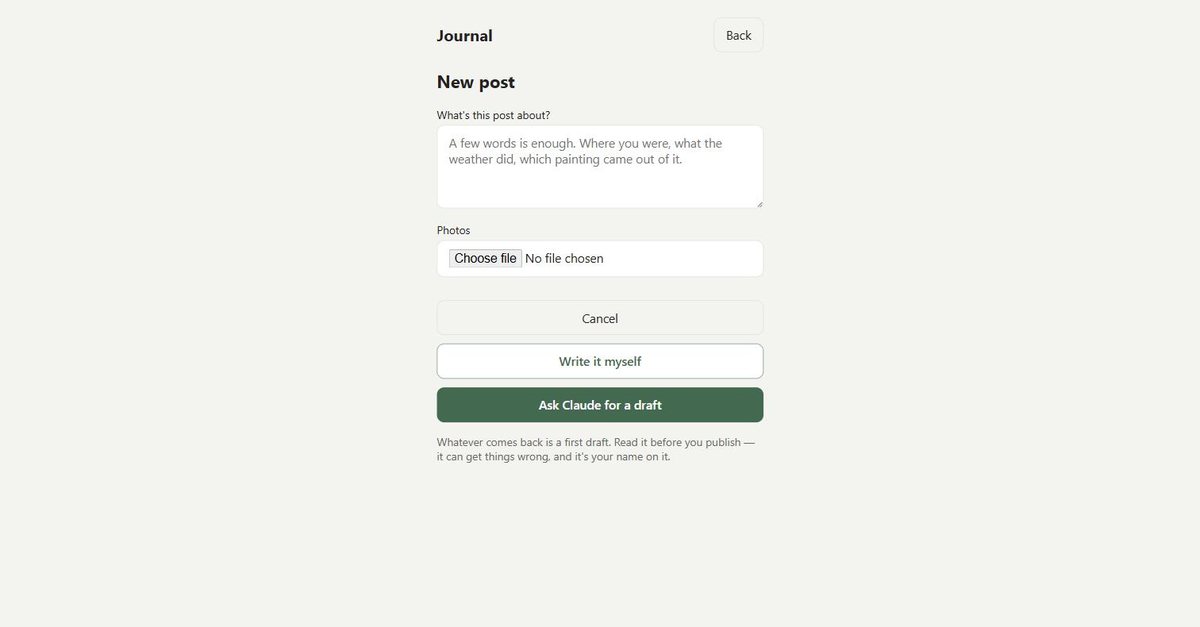
- A few words about where she was can be turned into a first draft she then edits. Optional, and the empty editor sits right beside it.
- The warning that a draft can get a fact wrong sits directly above the button, not in a help page nobody opens.
03
What happens when she presses publish
A photo taken on her phone is several megabytes and the wrong shape for a web page. When she uploads one it is resized into a set of widths and saved into the site itself, so a phone downloads a small version and a desktop a large one. Then the site rebuilds and the change is live, usually inside a minute.
The site stays a set of plain HTML pages on a CDN, which is why it loads quickly and cannot be taken down by a database going away. The admin writes those pages; visitors only ever touch the finished file.
One rule is built into the form: every photo needs a description before a post will save. A description written by the person who took the photo is worth more than one added later by anyone else, and without it the picture does not exist for a screen reader or for Google.
She has published work without me since launch, which is the only test of an admin that counts.
04
The gallery itself
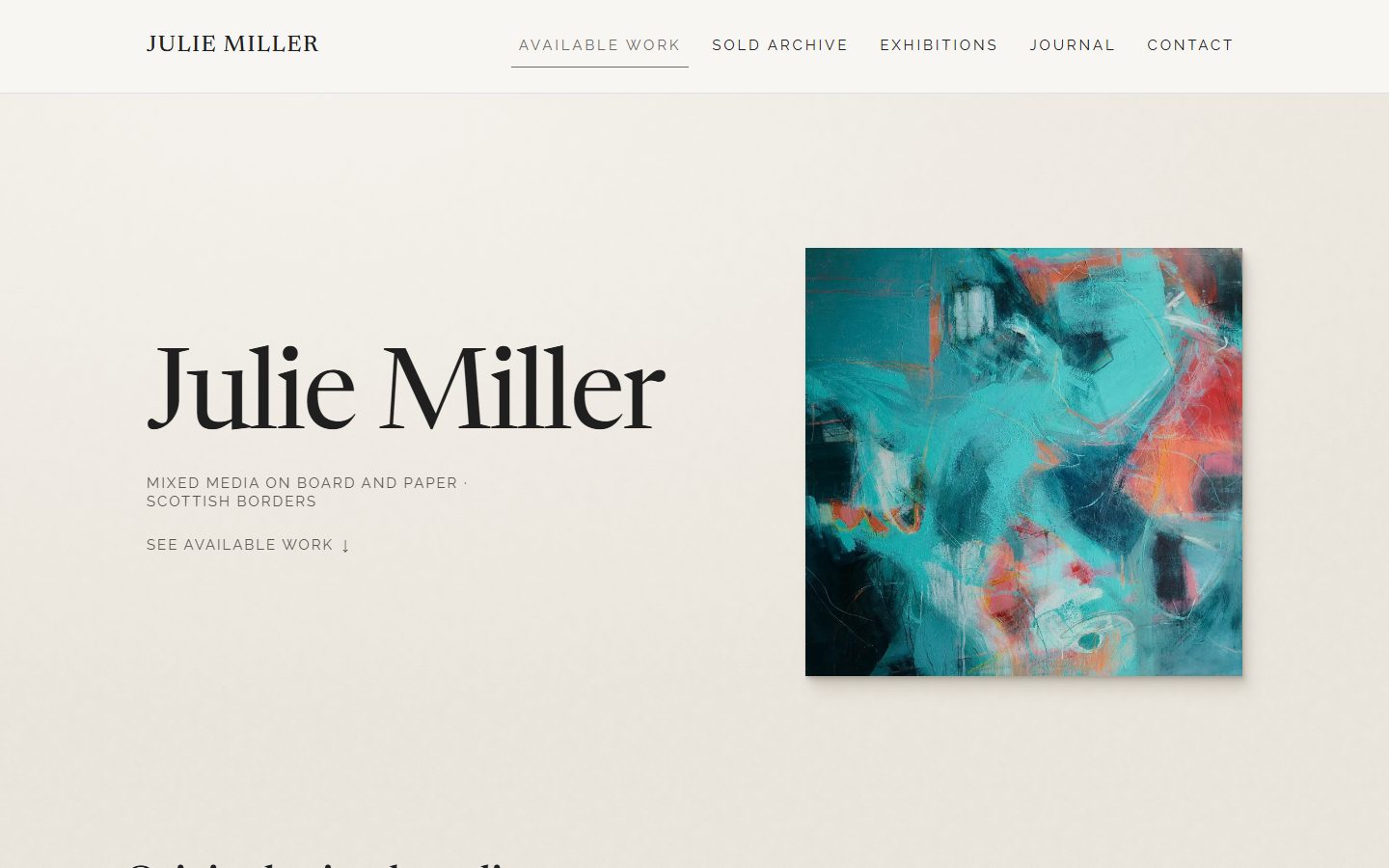
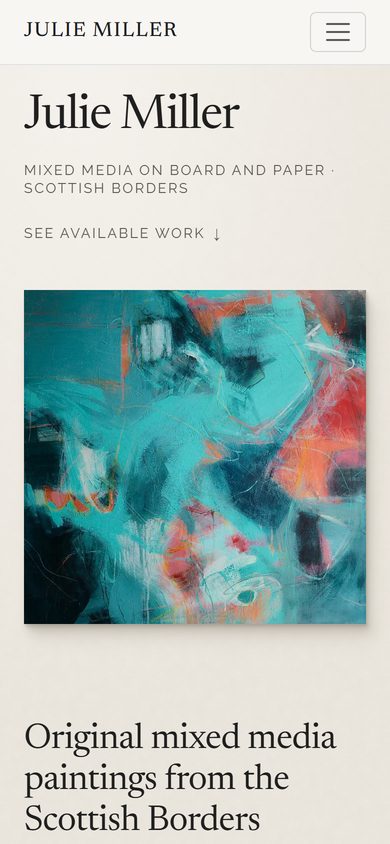
The design gets out of the way of the paintings: warm paper white, one serif for her name and the titles, generous space, and every painting reproduced at the same size on the index so the wall reads evenly. Each painting has its own page with structured data behind it, so a search engine understands it is a piece of art rather than a product photo.
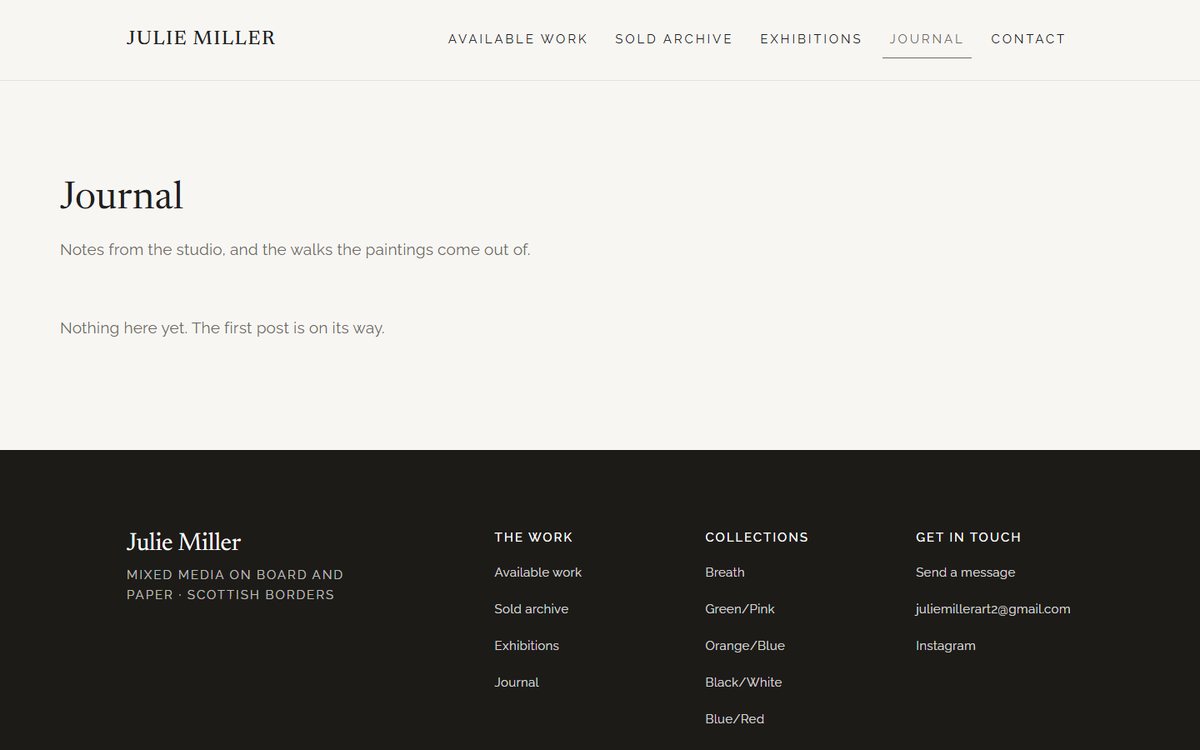
Work can be filtered by colour, which is how people actually shop for a painting for a particular room. The journal gives them a reason to come back between shows, and posts can be tied to the paintings they are about.
Outcome
Julie's site now shows the current state of her studio rather than a snapshot of the day it was built, and she can keep it that way without asking anyone. The build is covered by an automated test suite that runs on every deploy, so a change she makes cannot quietly break the gallery.